Federico Contreras' Flightgear Stuff
20260401
Introducing: The portable, generic FlightGear in-flight damage system.
Hi again! I made another thing! I remember seeing a post on the server about FlightGear not having damage models, so I made one that's portable and can be used on any aircraft. It works primarily by flashing messages on the screen and has progressive enhancement into scary breaking apart in midair sounds and also if available, it can use damage meshes! I used the aircraft I was already working on to implement the test version of this (the little flying egg, Anderson-Greenwood AG-14), lemme know what you think! :D
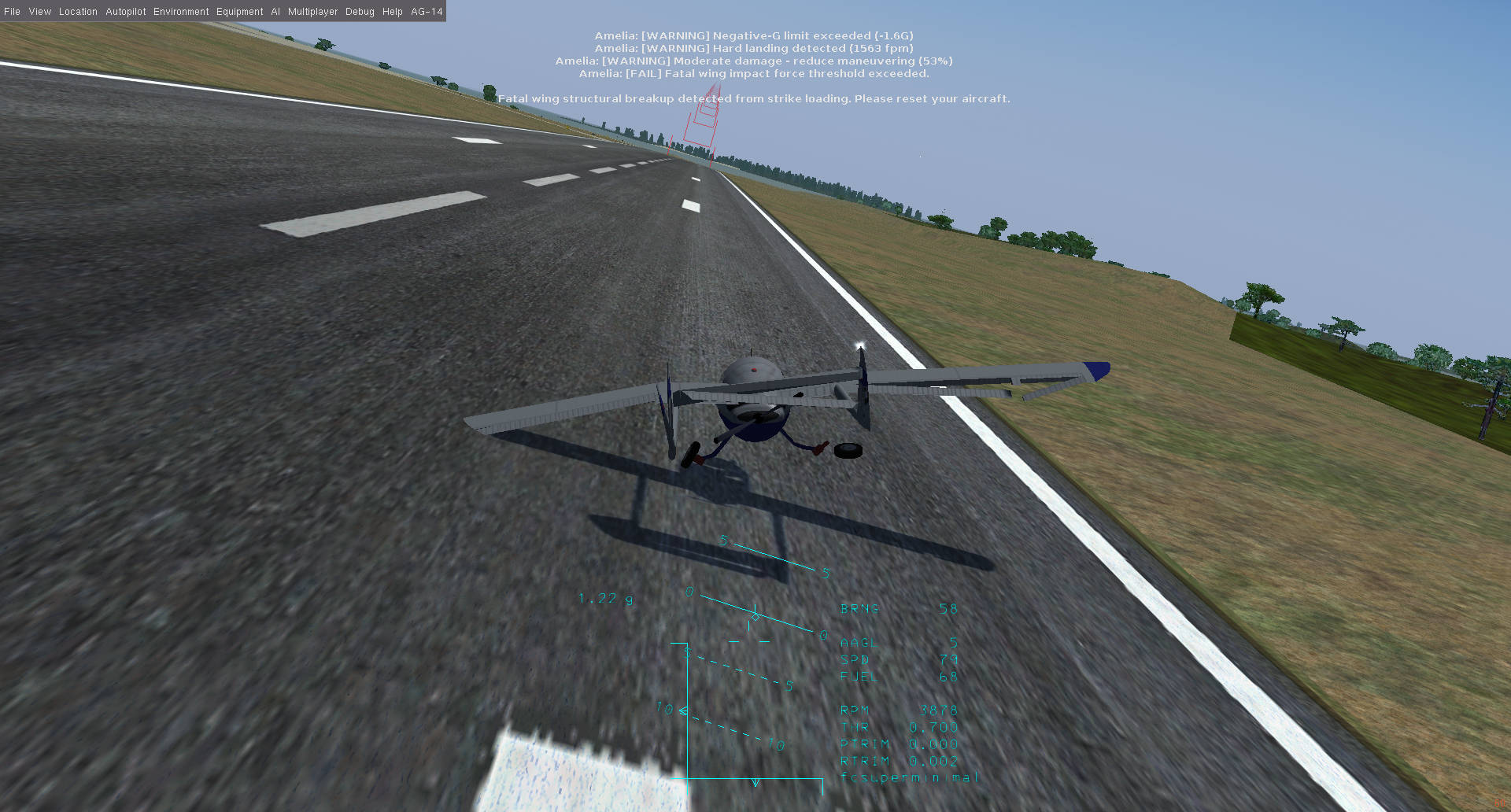
If you crash too hard into the ground, your aircraft can be a total loss...
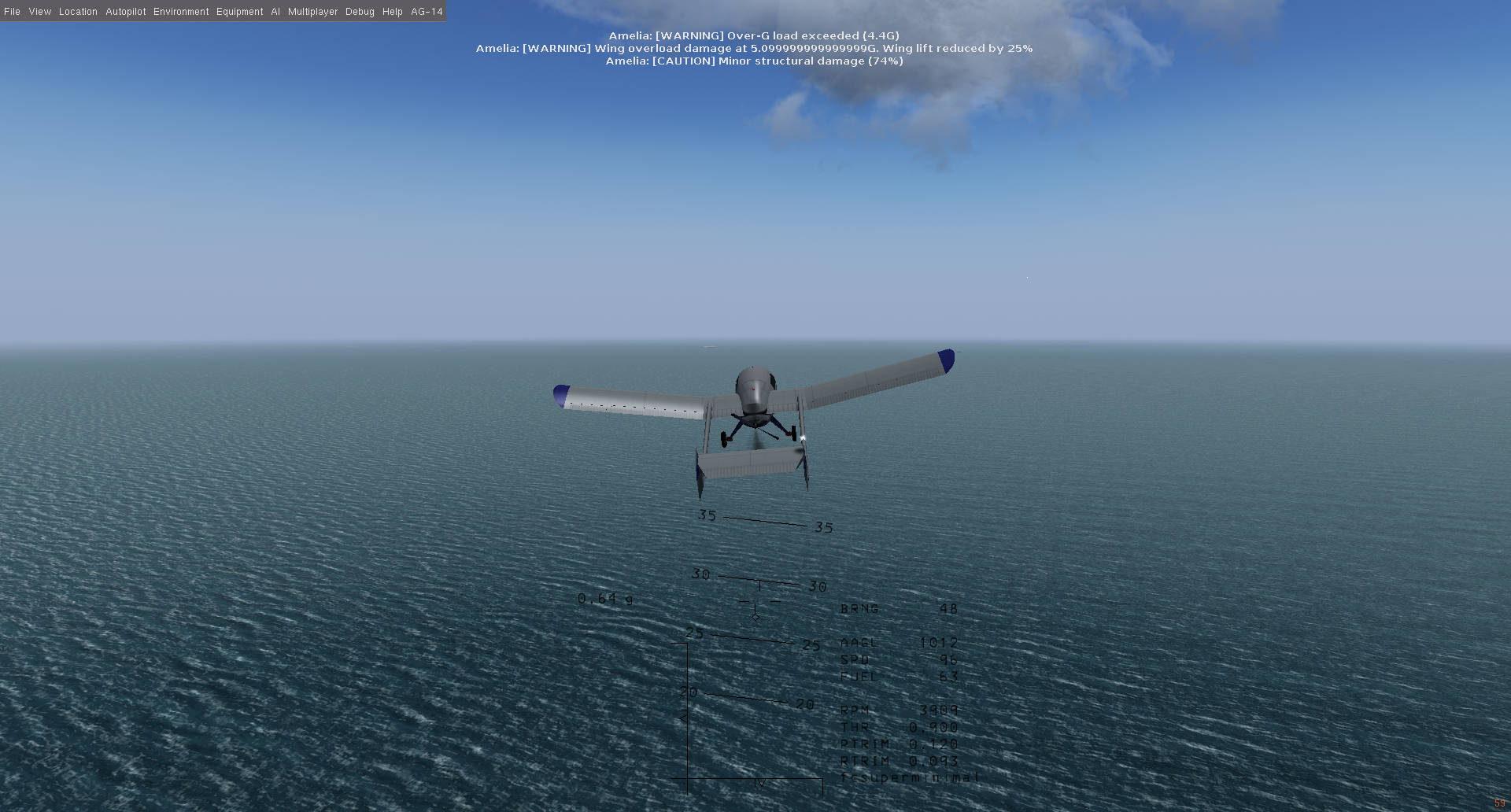
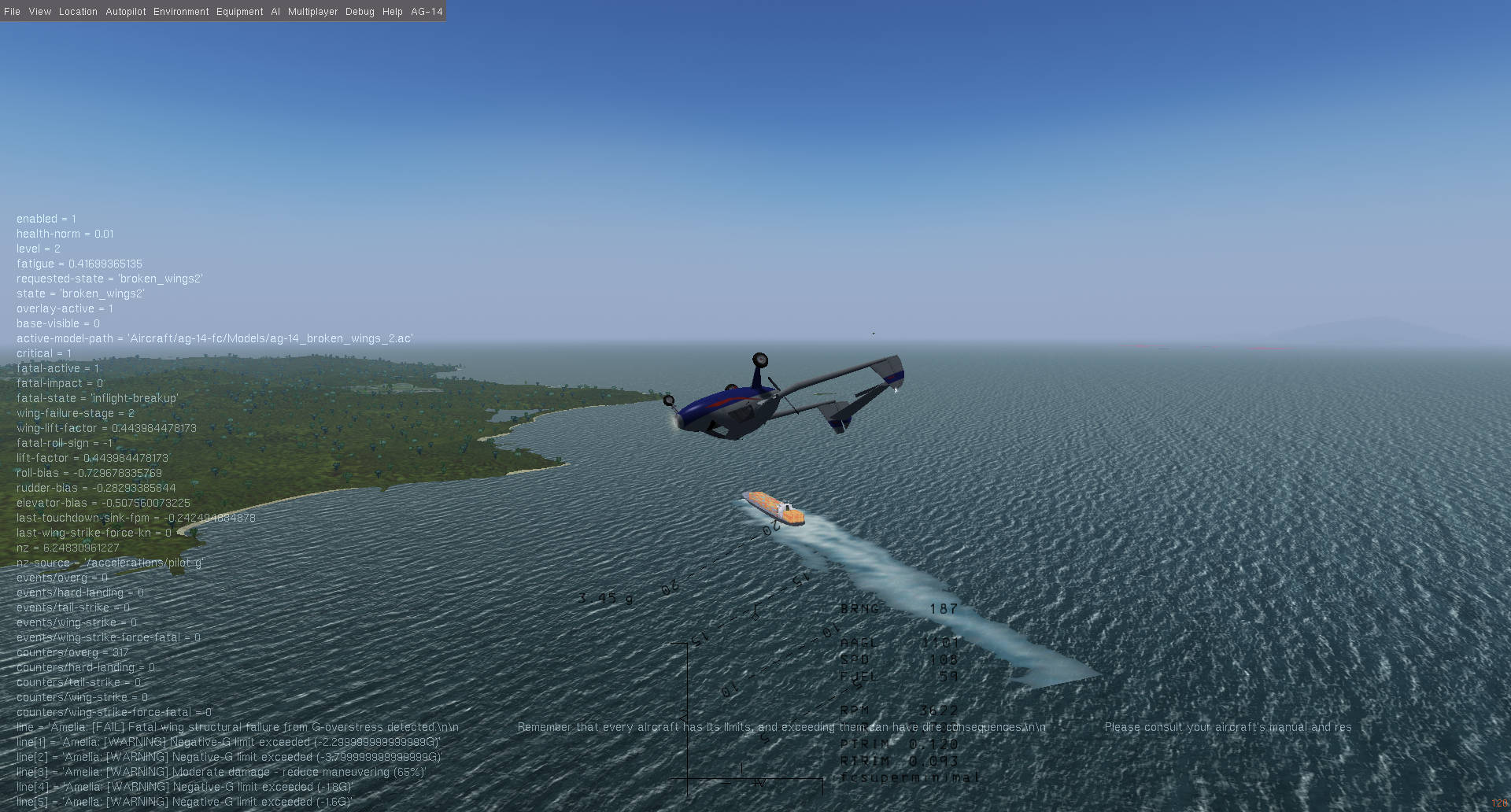
If you overgee your wings can collapse or even break off...
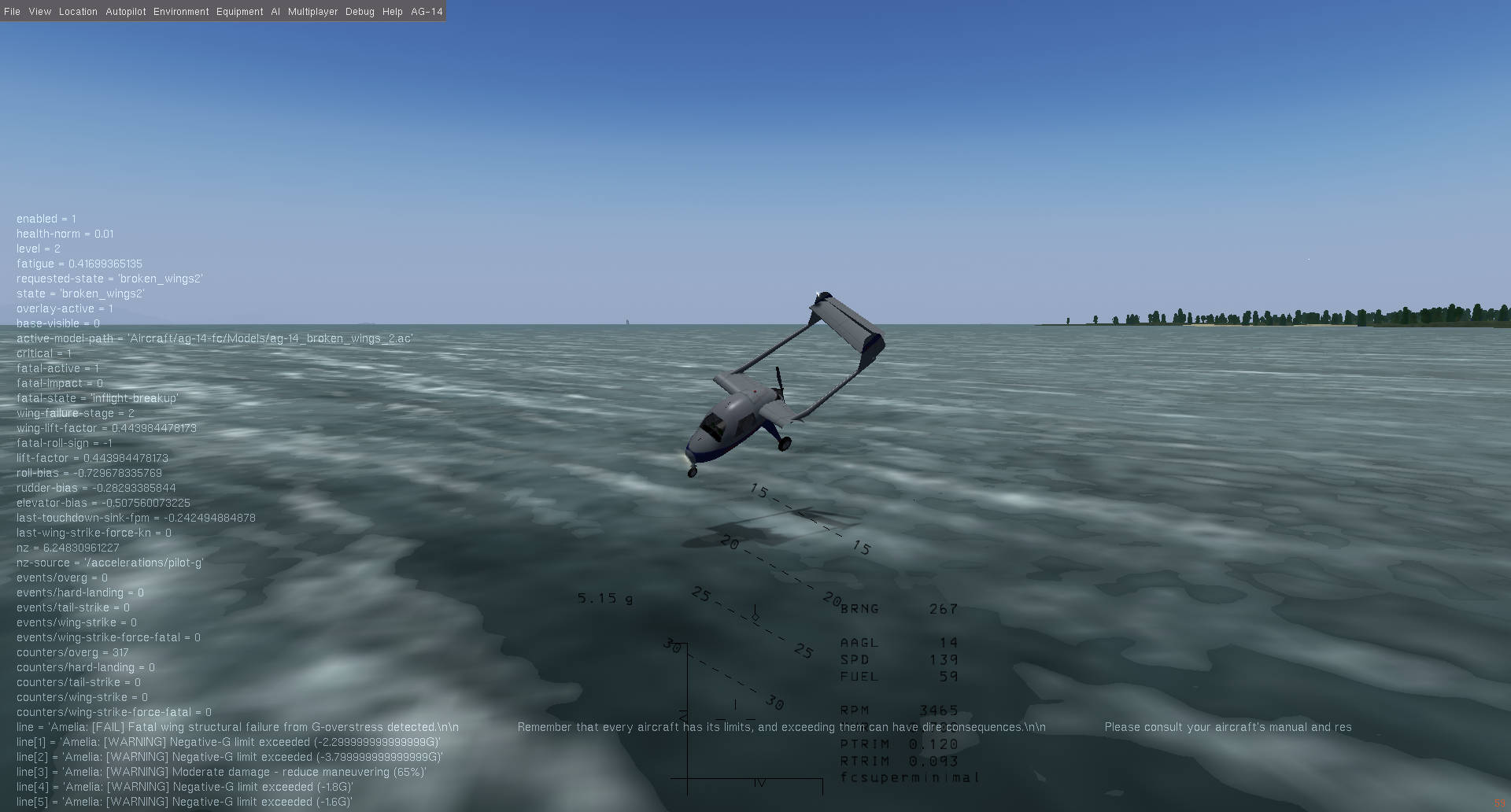
You can turn on a detailed damage log ...
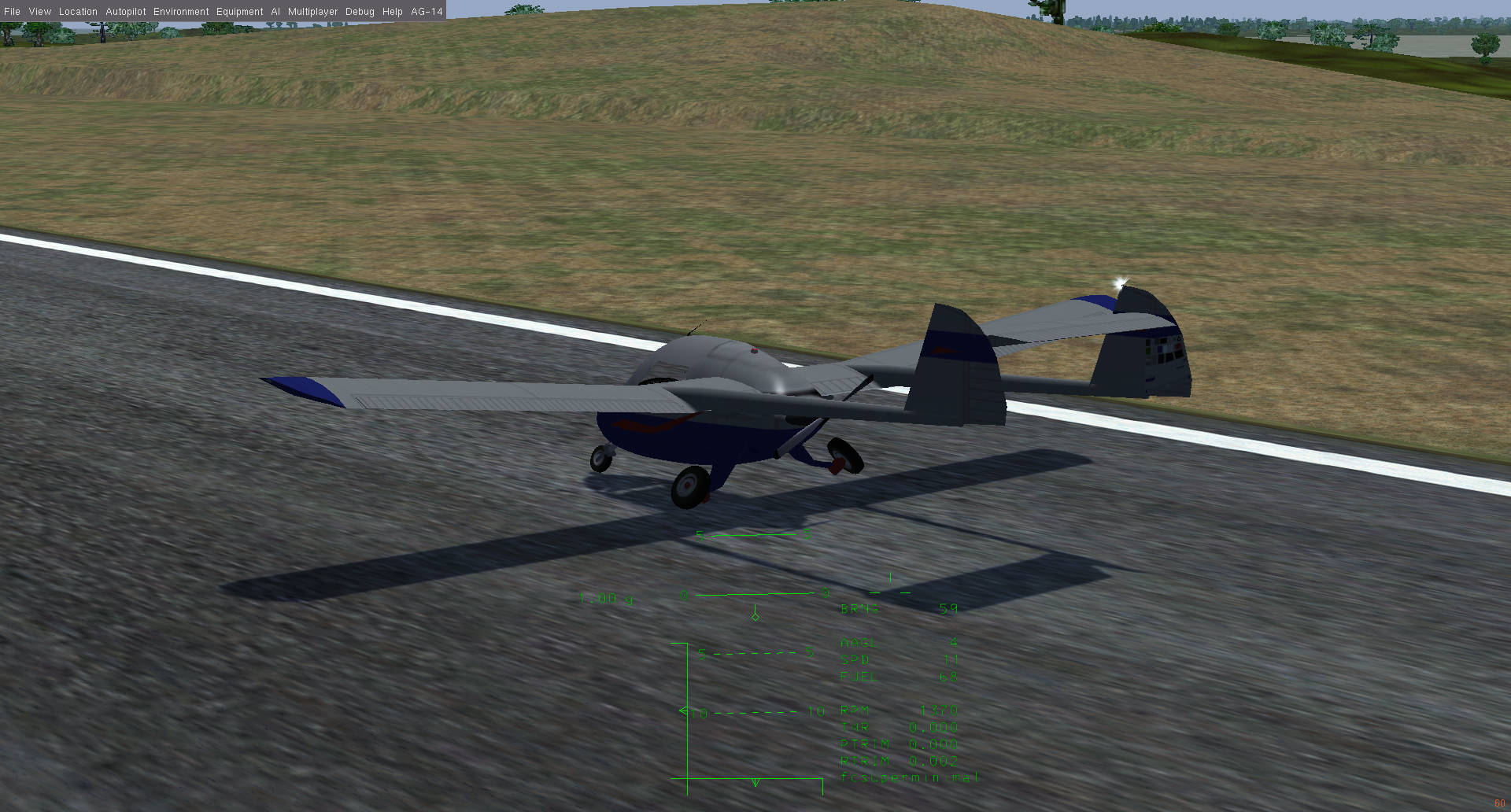
If you land too hard, but not hard enough to be completely cooked, your landing gear can collapse...
Download the Anderson Greenwood AG-14 with the Amelia damage mod.
20260323
Version 0.0.4: Clean up and function segregation.
Too much was going on in one file so I split the file into logical sections. The main entry point is just that. Everything else in linked from there. The files are more maintainable for me, but that also means it's a little bit harder to install.
How to install:
You have to copy all of the .py files into your ~/.config/blender/(4.x/5.x)/scripts/addons.
Then edit - preferences - install and drill down into your ~/.config/blender/(4.x/5.x)/scripts/addons and click on io_scene_flightgear_btg.py and then click on Install Addon.
Download version 0.0.4.
20260318
Version 0.0.3: Fixed vertex alignment between tiles
Fixed an issue where minute differences between tile positions could cause tile edge vertices to NEVER ALIGN correctly. After ripping my hair out for a while, decided to add a workflow to auto-align selected vertices to the outer tile.
How to use:
Go to "Tile Pair Conform" in the blender side menu. Select your WORKING tile (usually the airport, unless you're being awesome) and press the "conform seam vertices" button. Man we really needed that.
Download version 0.0.3.
20260318
Version 0.0.2: Fixed a UV issue
As I trawled through the FlightGear message board, one dude asked if it was possible to fix his airport (YMRY). I thought "No problem! Ha!" ... well there was a problem. As soon as I exported his airport all the runway textures looked b0rked. Turns out that specific airport was using wild negative UVs and my tool was offsetting all the UV's into positive UV space, but that wasn't gonna work for the runways, which got offset WAY out into positive UV space. But runways don't repeat UVs, they extend them, so if you put the image too far, it just looks like striations. This has now been fixed.
20260317
Hi guys!
I am releasing the first public version of a Blender add-on for working with FlightGear BTG terrain tiles directly.
The goal of this tool is to make it practical to import FlightGear terrain into Blender, edit it with normal Blender tools, and export it back into a usable FlightGear scenery workflow.
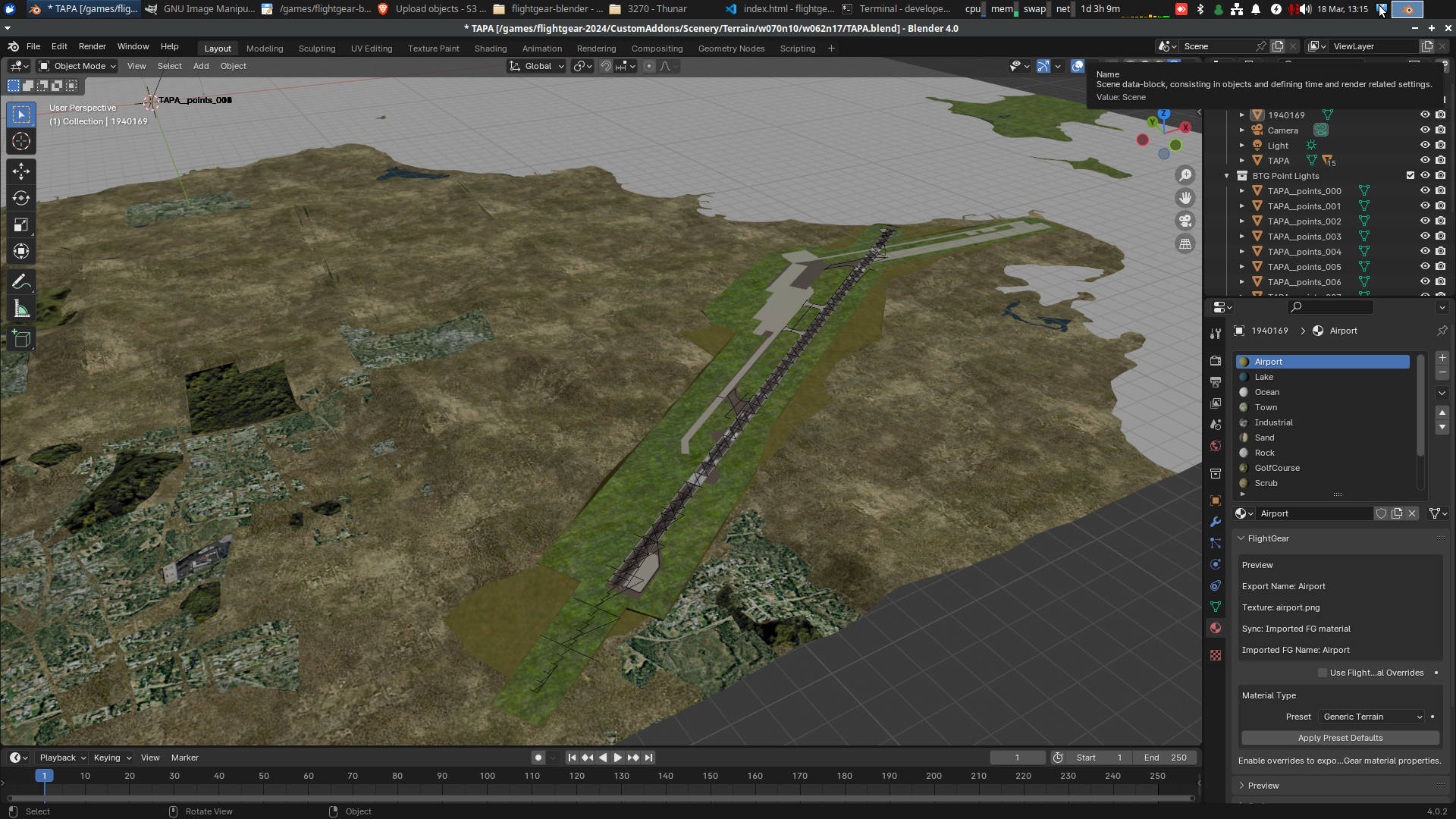
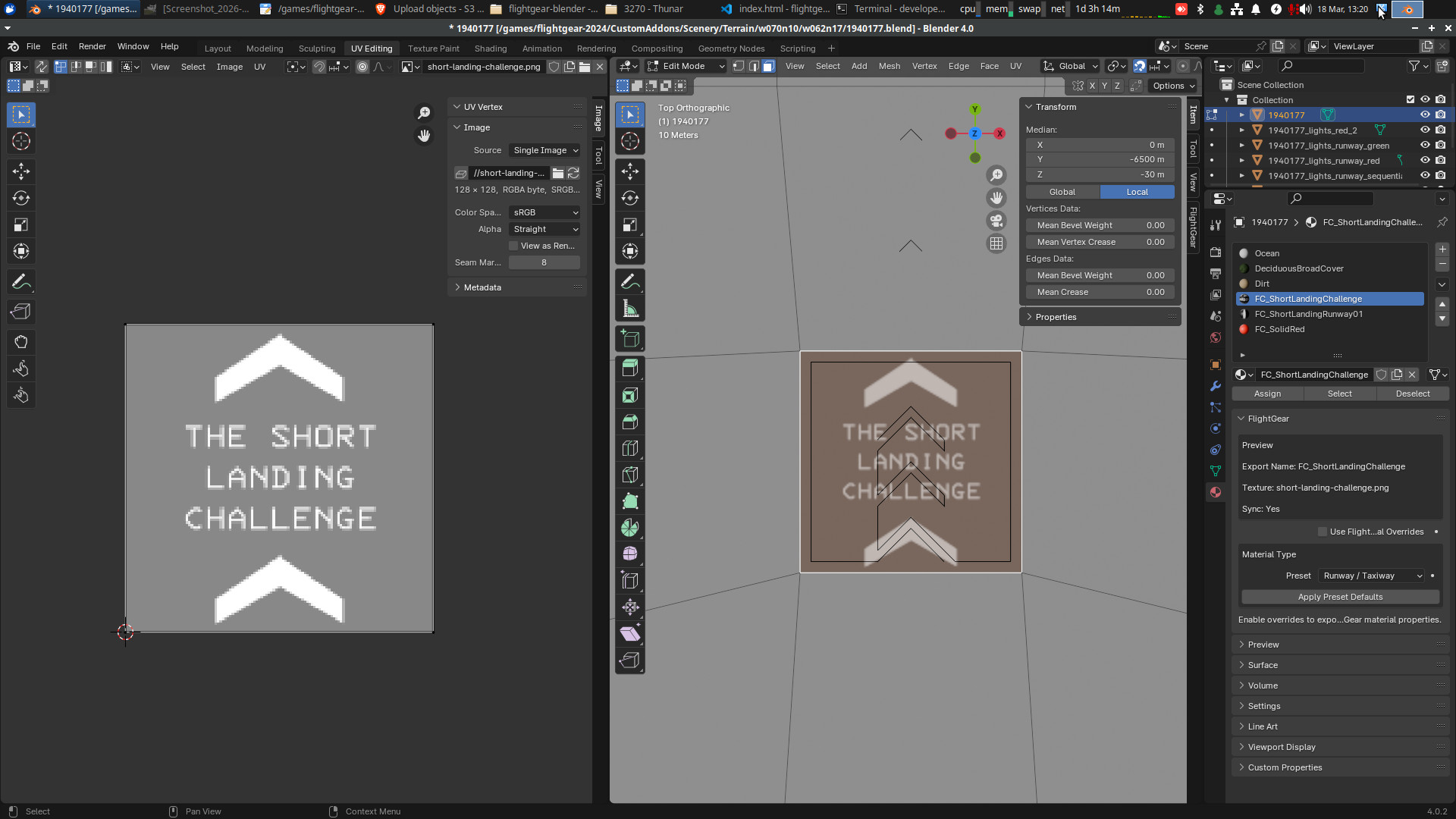
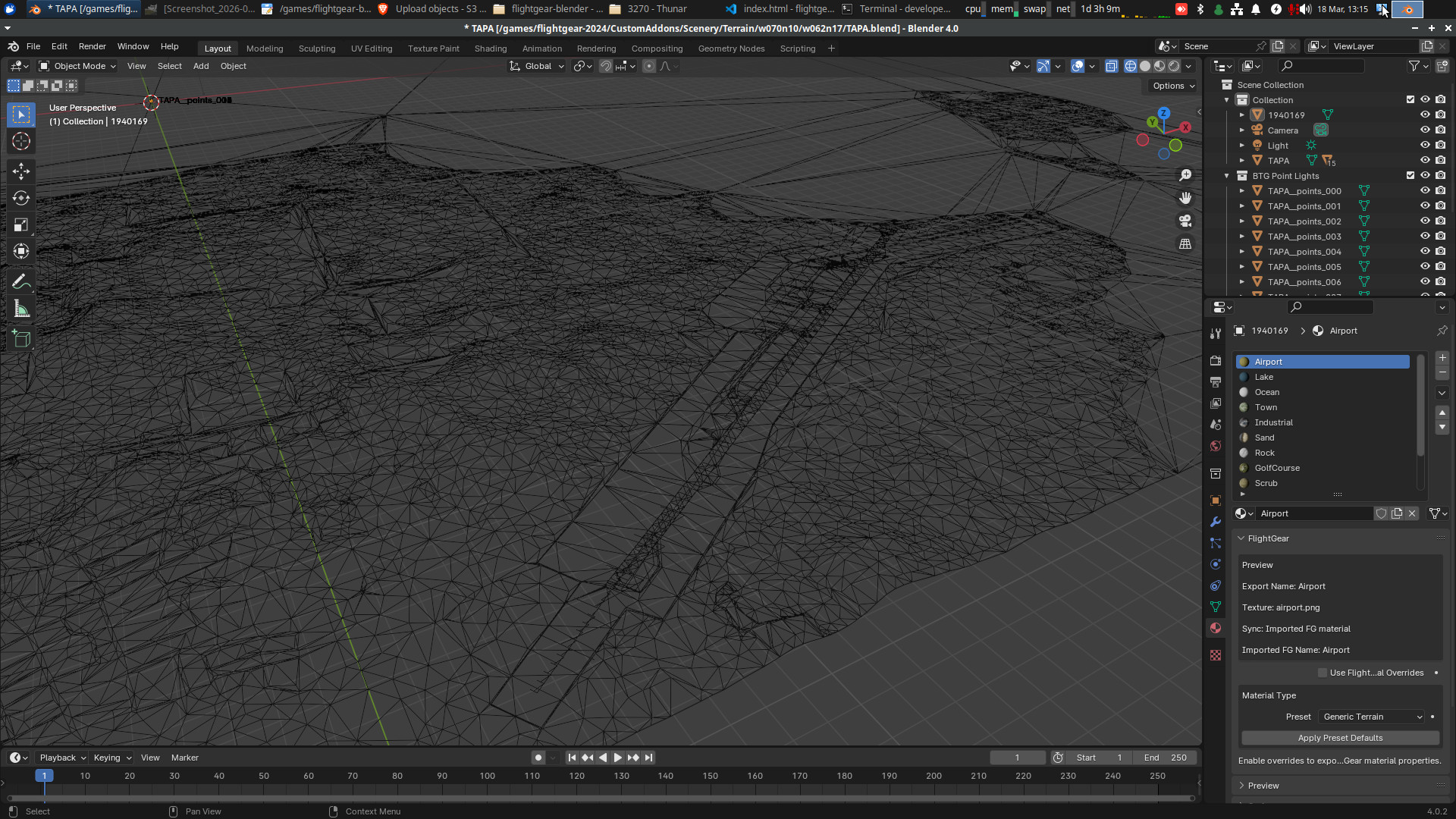
I made this out of a desire to improve my home airport (CYUL), but after going down the editing rabbithole, I realized most people are editing airports in FlightGear using (the albeit excellent tbh) WED from X-Plane. I thought however, since our airports are in BTG format, and the tiles are in BTG format and both those formats are open specs on the internet, we could have the BEST and most OPEN custom terrain editing tools! Someone just has to do it! Well, after tinkering with copilot for about a week, this is where I'm at :D I can import a tile directly from .btg.gz, open it, edit mesh data and export with custom materials properly handled, working lights, nice, tight, manual UVs done directly in Blender and materials that use FlightGear's own surface system, so you can put in unmarked, clandestine airfields and create missions where you land at paradise-like islands and pick up illicit dinosaur eggs from some fat, shifty programmer guy who is angry he doesn't get paid enough :D.
I realize that the future is WS3.0 now, but I haven't even seen that yet. I'll do the same for that when it releases.
Download version 0.0.2.
Download tile #1940177
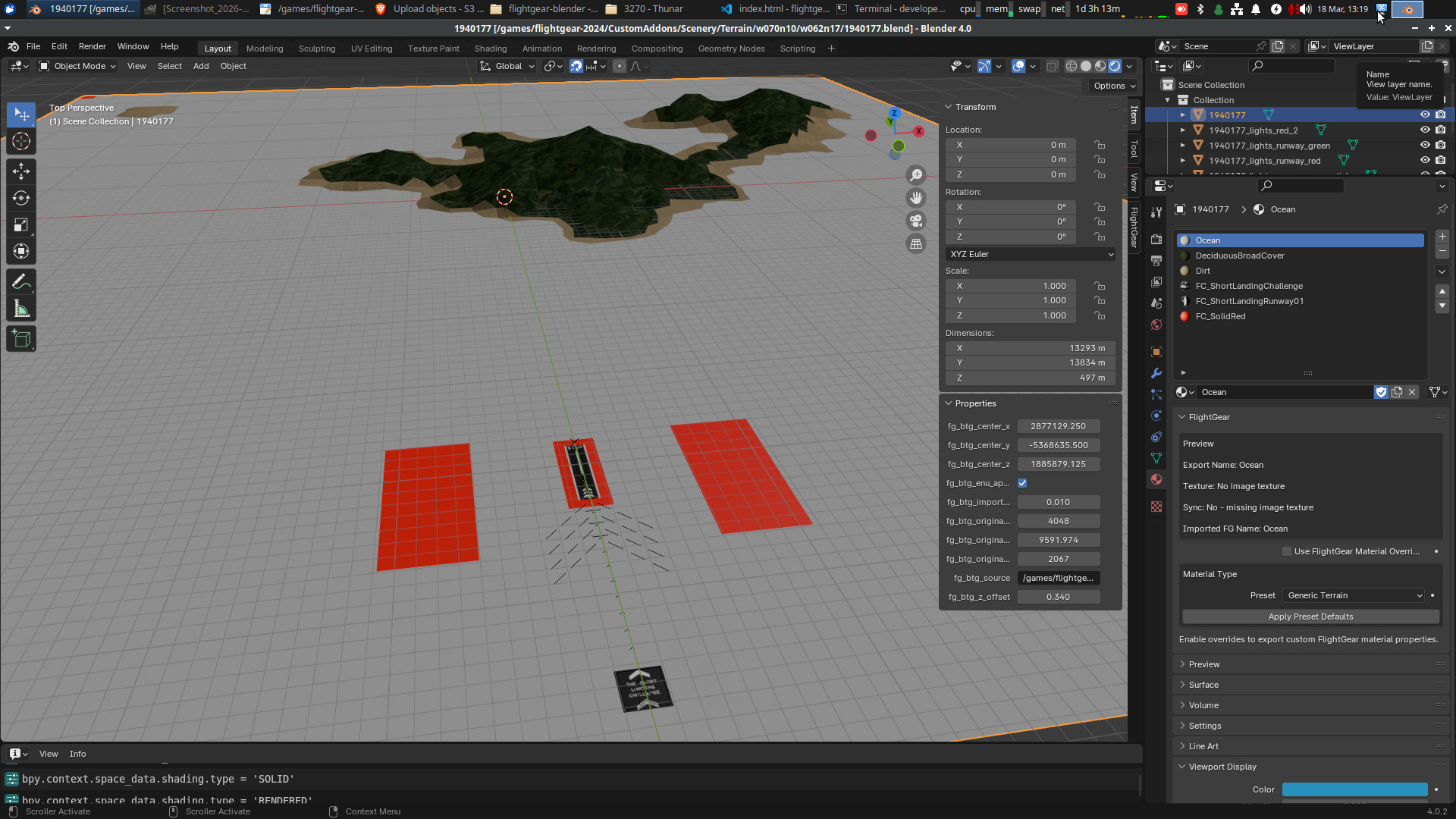
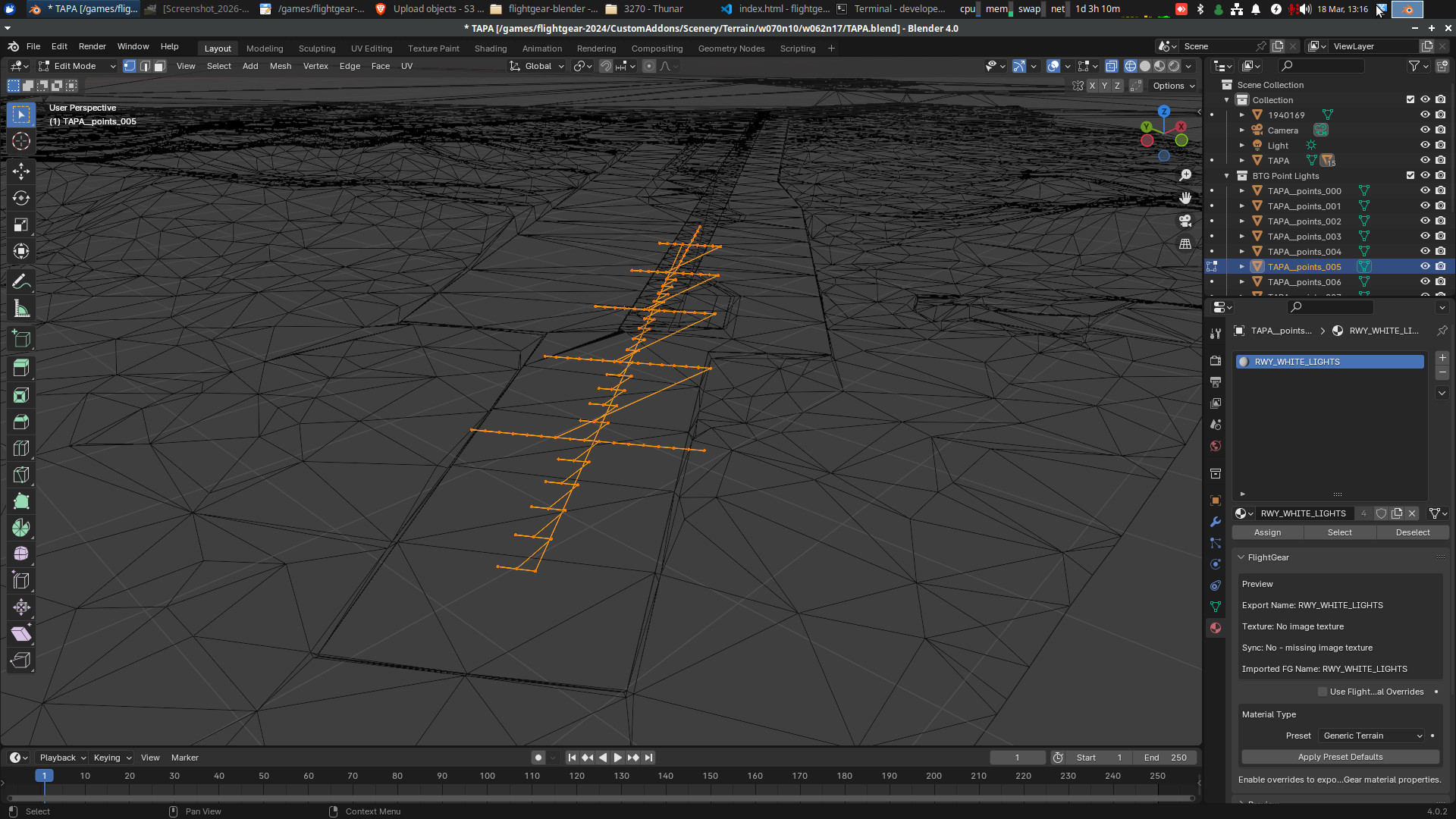
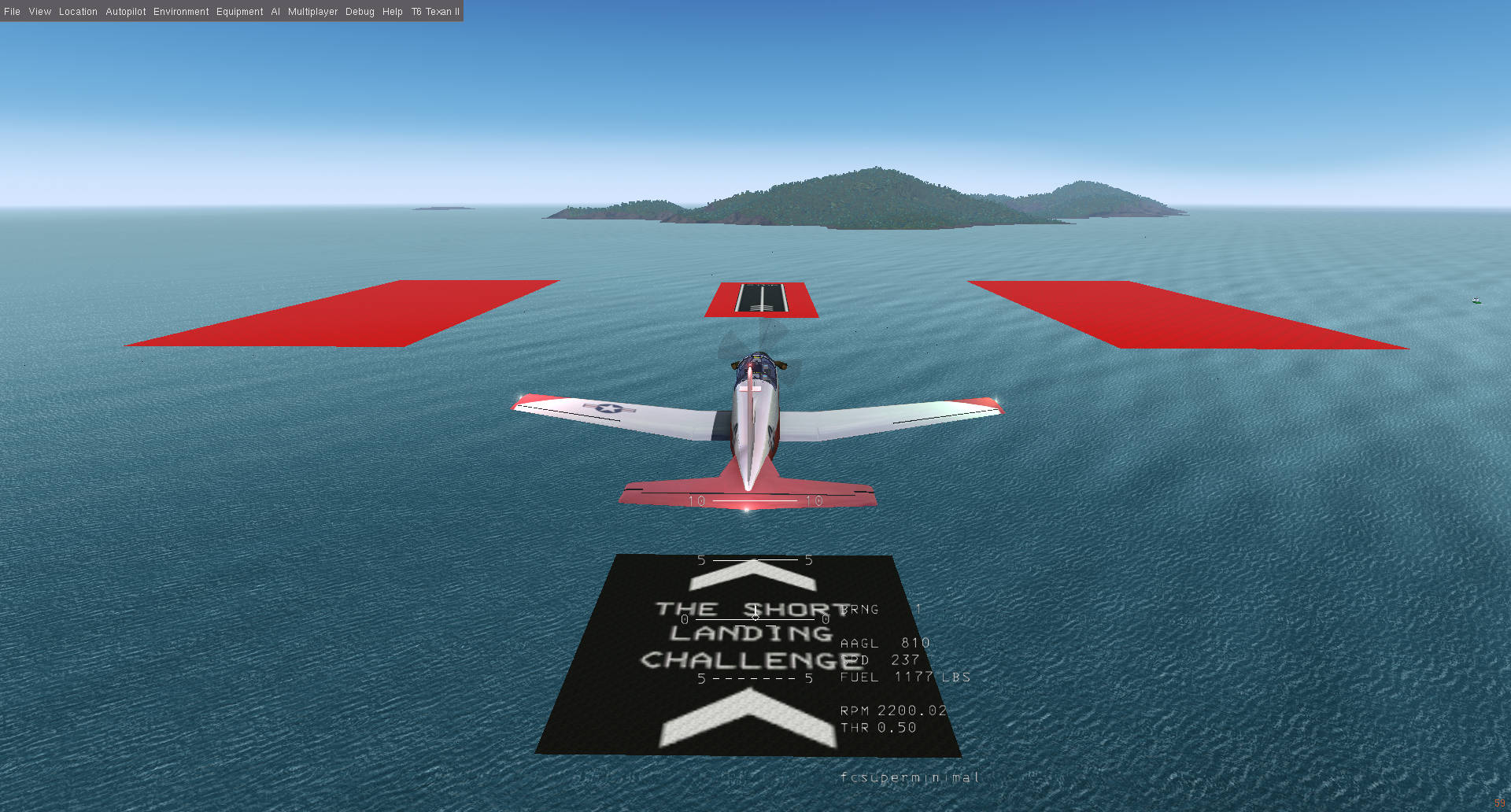
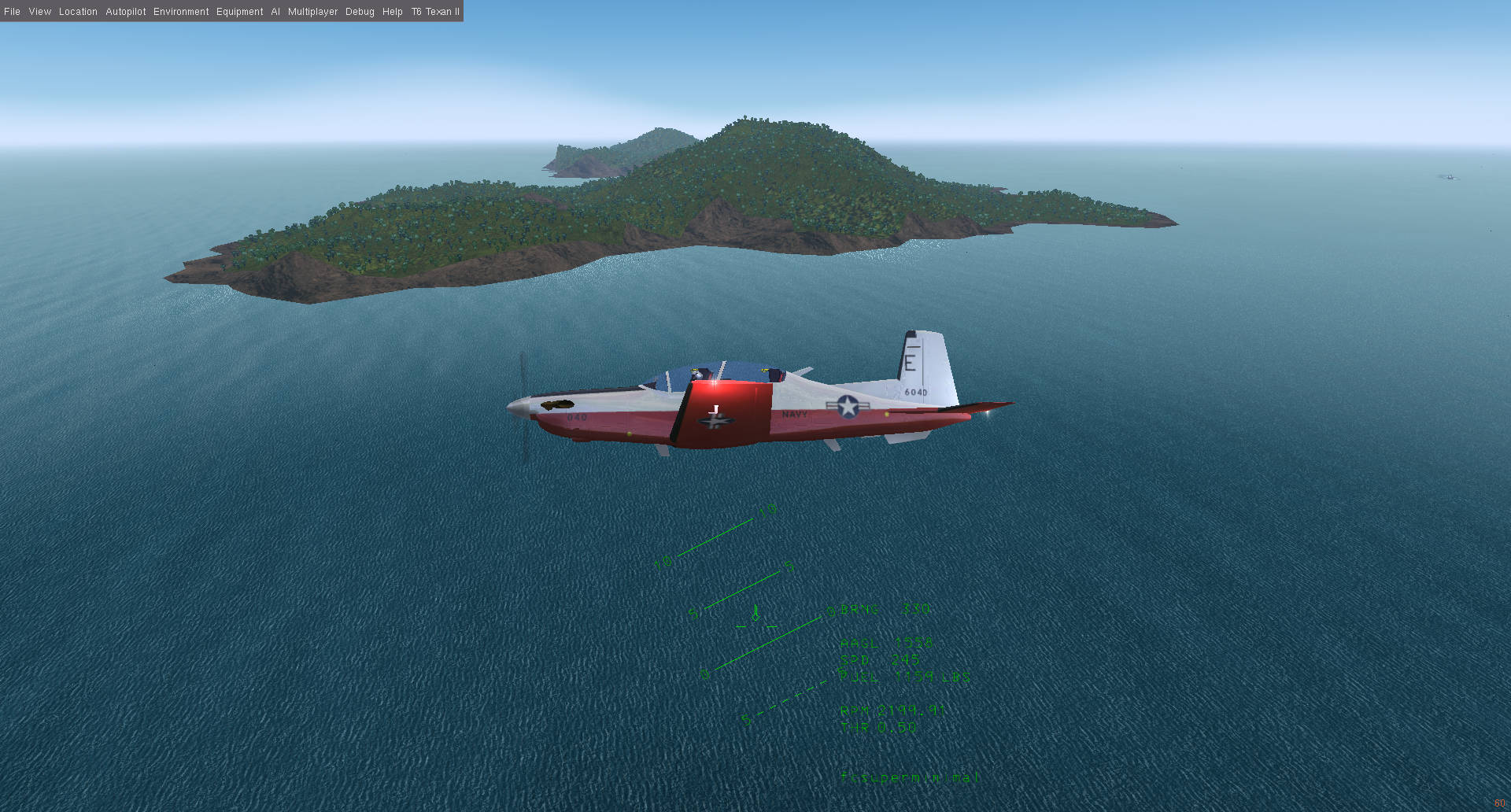
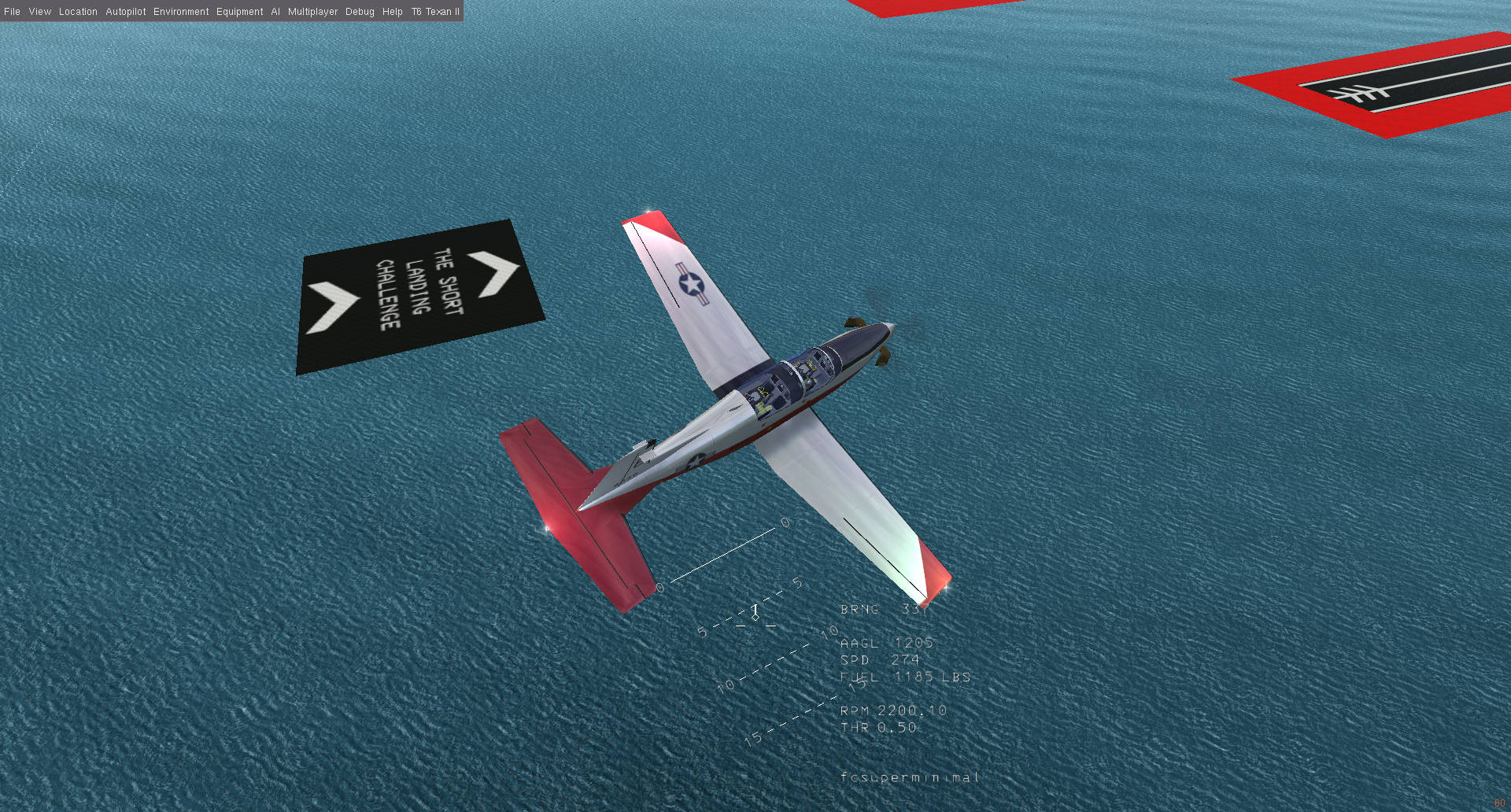
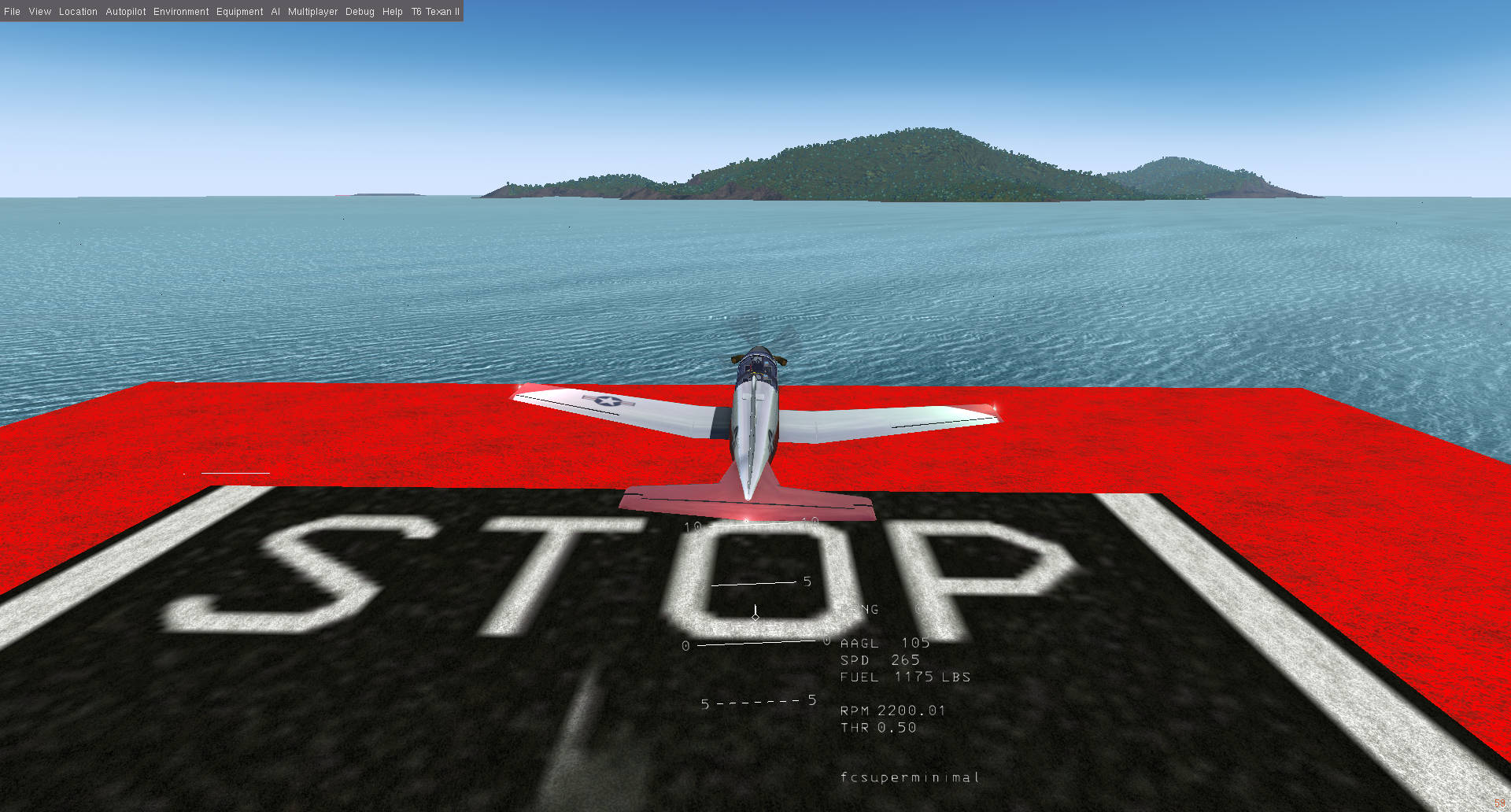
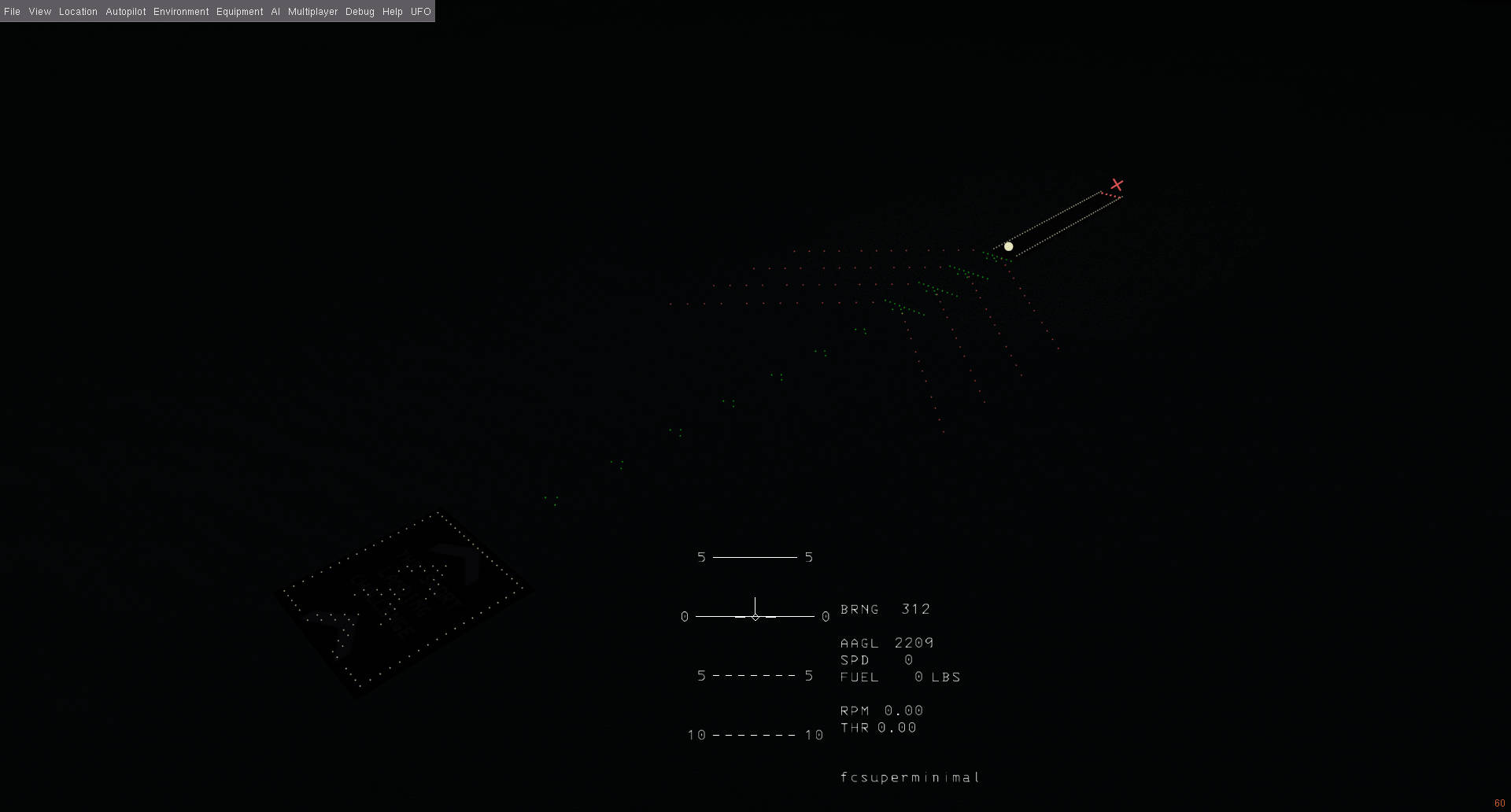
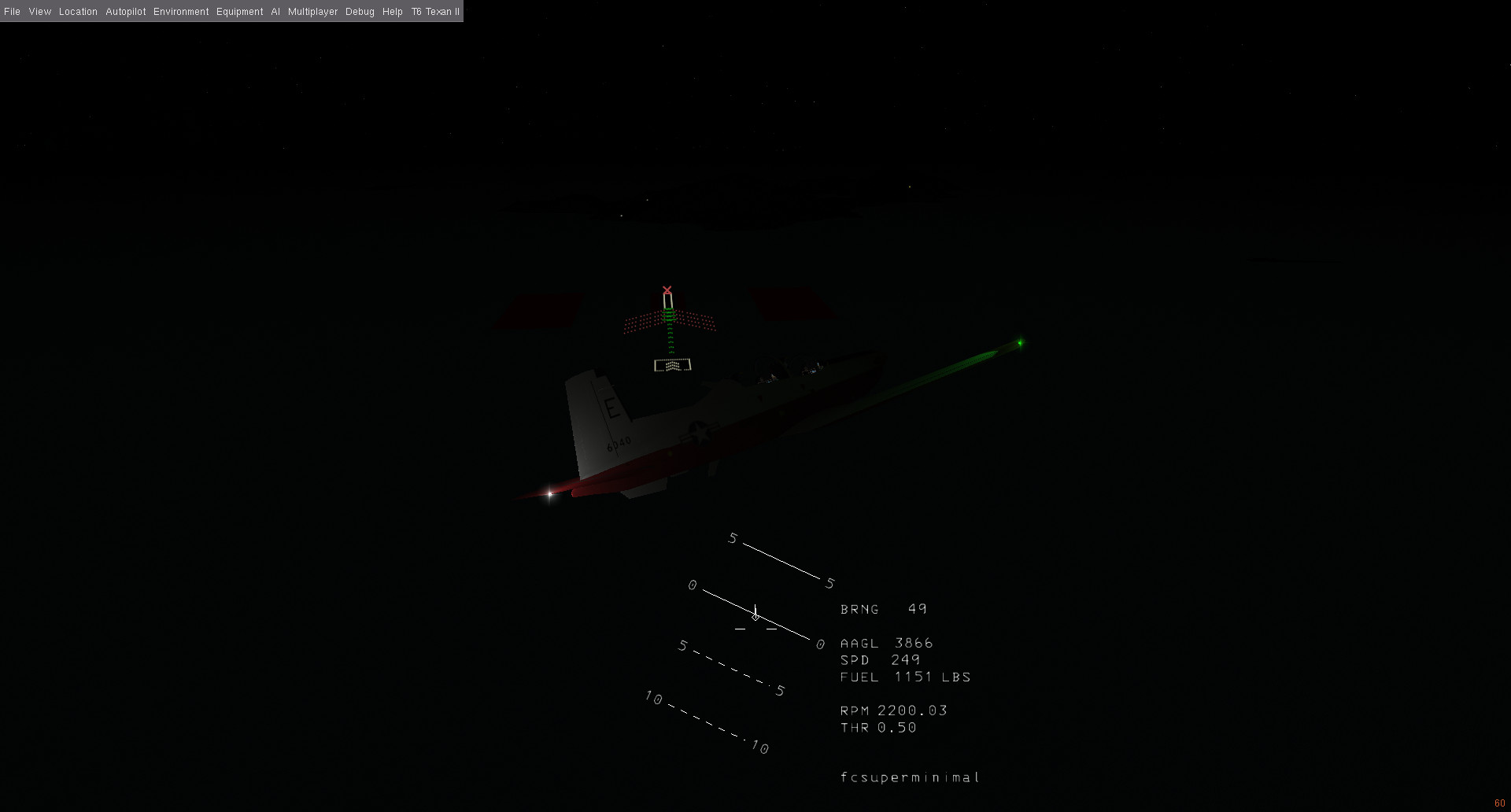
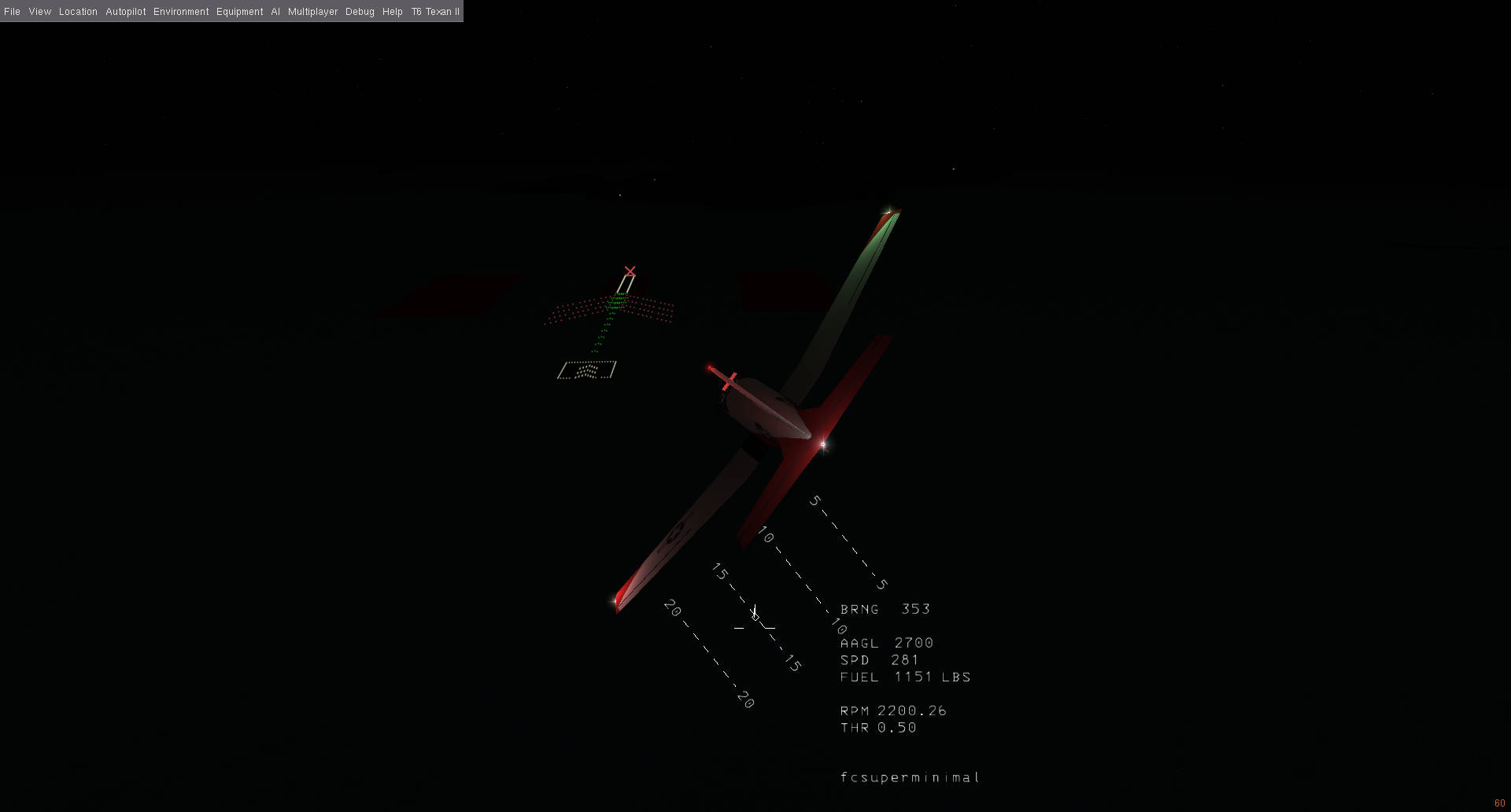
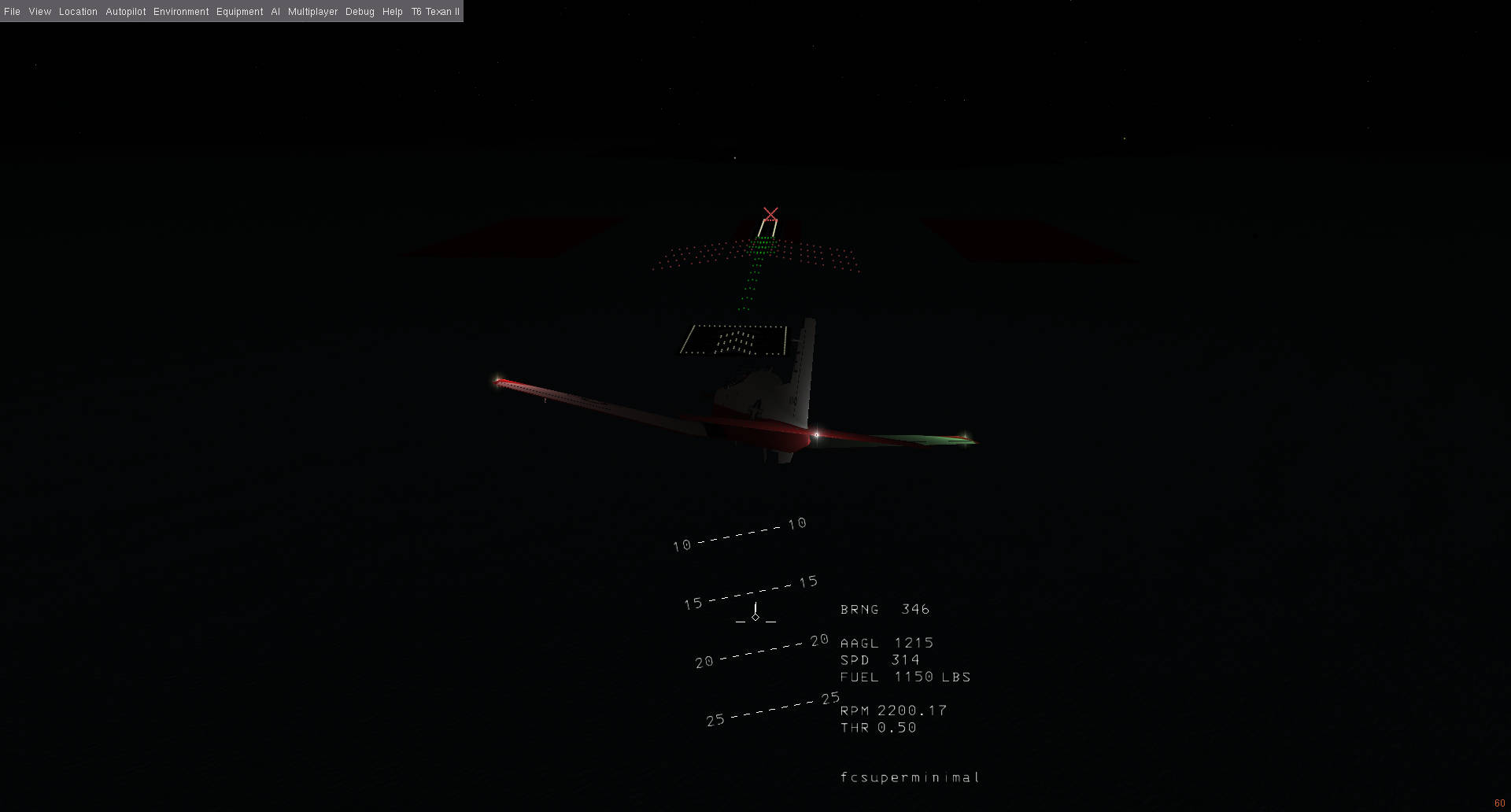
This is a fictional tile I made to test the add-on. It has a variety of custom materials, textures, and point light groups to test the export behavior. To install, unzip the contents into your Custom Scenery Folder under "Terrain/w070n10/w062n17/". Then start a flight at TAPA airport (https://skyvector.com/airport/TAPA/St-Johns-Vc-Bird-Antigua-Airport). Take off and fly north of you. You see that island between antigua and barbuda? It's completely fictional, I made it up to test whether this would work! You should see the tile's custom textures and materials in action. The tile is mostly ocean, but has a small island, some test runways, and some crazy point light groups if you switch to night time.
Go make some crazy stuff!
Federico :D
Annex
What v0.0.2 can do
- Import FlightGear
.btgand.btg.gzterrain tiles directly into Blender 4.x. - Bring tiles in at a Blender-friendly 1% scale so large scenery stays manageable while editing.
- Rebuild textured Blender materials from FlightGear terrain textures.
- Load the 8 adjacent tiles around the active tile for seam alignment.
- Generate ocean placeholder neighbors when adjacent ocean tiles are missing.
- Provide sidebar helpers for adjacent-tile seam work, including wireframe display, in-front drawing, and selection locking.
- Cache and search FlightGear materials from
materials.xml. - Export edited tiles back to BTG.
- Automatically create or update the matching
.stgentry. - Optionally export into a proper FlightGear scenery package layout under
Terrain/.... - Sync user-authored Blender materials into
materials.xmland copy their textures into the FlightGear texture tree. - Define FlightGear material properties directly in Blender's Material tab for new custom materials.
- Export BTG point-light groups using FlightGear-compatible naming.
This release is meant to establish a working end-to-end terrain editing pipeline. It is still an early version, but the core import, seam-editing, material, and export workflows are now in place.
Current scope and notes:
- The add-on is currently distributed as a single Blender add-on Python file.
- The intended install path is Blender's normal
Install from Disk...add-on workflow. - The main target right now is practical scenery editing rather than polished packaging.
If you try it, the areas where feedback would be most useful are:
- BTG import compatibility across different scenery tiles
- adjacent seam editing workflow
- custom material export behavior in FlightGear
- light export behavior
- any rough edges in the Blender UI
For this first release, the main focus has been getting the pipeline working reliably enough to build and round-trip real scenery edits.